URL Schemes
匯入配置
請求格式
- 支援使用
URL Schemes快速匯入配置檔案,該方式等價於訪問如下地址。 - 如果請求有額外的引數,如
&flag=meta,請一併使用 URI 編碼後新增到url引數中。
html
clash://install-config?url=<URI 编码后 url></URI>功能失效解決辦法
如果無法正常使用該功能,可能是由於使用其他 Clash 代理軟體(如 CFW)解除安裝不完全。請檢查下列登錄檔項指向的 exe 路徑是否正確。
html
HKEY_CLASSES_ROOT\clash\shell\open\command或者將下列配置儲存為 .reg 檔案,手動將配置新增進登錄檔(以管理員身份執行)。便攜版請自行修改配置中的路徑。
shell
Windows Registry Editor Version 5.00

[HKEY_CLASSES_ROOT\clash]
"URL Protocol"=""
@="URL:clash"

[HKEY_CLASSES_ROOT\clash\DefaultIcon]
@="C:\\Program Files\\Clash Verge\\Clash Verge.exe"

[HKEY_CLASSES_ROOT\clash\shell]

[HKEY_CLASSES_ROOT\clash\shell\open]

[HKEY_CLASSES_ROOT\clash\shell\open\command]
@="\"C:\\Program Files\\Clash Verge\\Clash Verge.exe\" \"%1\""
訂閱響應頭
content-disposition
如果響應頭中存在 content-disposition 欄位,則使用 filename 對應的值作為配置檔名。
yaml
content-disposition: attachment; filename="test.yaml"如果含有中文,則需要使用使用 UTF-8 編碼。
yaml
content-disposition: attachment;filename\*=UTF-8''%E6%B5%8B%E8%AF%95%E8%AE%A2%E9%98%85profile-update-interval
如果響應頭中存在 profile-update-interval 欄位,則配置檔案的 更新間隔 將被設定為對應的值(單位: 小時)。
yaml
profile-update-interval: 24subscription-userinfo
如果響應頭中存在 subscription-userinfo 欄位,則其對應的流量資訊(單位: 位元組)、到期資訊(時間戳)會顯示在訂閱卡片上。
yaml
subscription-userinfo: upload=1234; download=2234; total=1024000; expire=2218532293profile-web-page-url
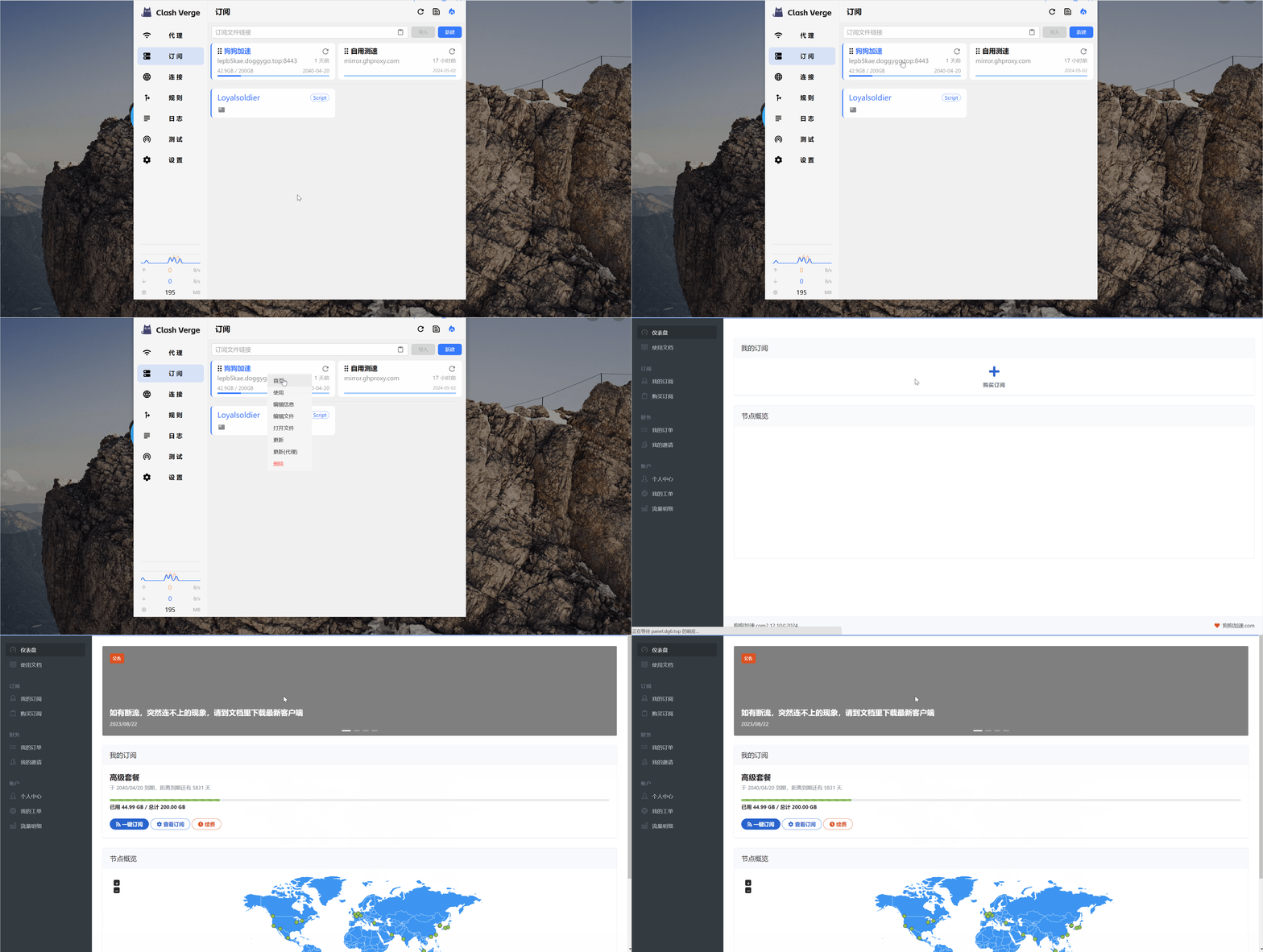
如果響應頭中存在 profile-web-page-url 欄位,則右鍵訂閱卡片將會顯示 首頁 按鈕。
yaml
profile-web-page-url: https://example.comINFO
一般要求請求的 UA 中含有 clash 字樣才會返回該響應頭。 此功能要求 Clash Verge Rev 版本至少為 v1.6.0。